Writing up Cua meant using the term “computer-use” a dozen times without ever pinning down what actually separates it from the coding agents I usually cover here, so here’s the distinction directly.
A coding agent’s world is text. It reads source files, writes diffs, runs shell commands, reads back the output. Every interaction happens through a structured, machine-readable interface — a file, a terminal, an API response — even when the end result is a working application. Something like Cline or OpenCode never actually “looks” at anything; it operates entirely on text going in and text coming back out.
A computer-use agent’s world is a screen. Instead of calling a file-read API, it takes a screenshot and has to visually interpret what’s on it — where a button is, what a dialog says, whether a checkbox is ticked — then simulate a literal mouse click or keystroke at a specific pixel location to act on what it saw. It’s operating the same graphical interface a human would, through the same visual and input channels, rather than through a shortcut API built for machines.
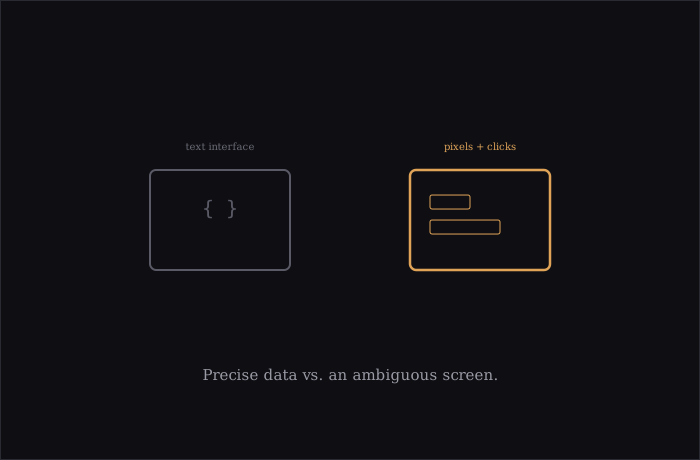
Why this is a meaningfully harder problem than it sounds: text interfaces are precise by construction — a file path either exists or it doesn’t, a function either returns the expected type or throws an error. Screens are ambiguous in a way text isn’t. A button can move a few pixels between app versions, get rendered differently depending on the operating system’s theme, or sit half-covered by another window. Interpreting a screenshot correctly, and then translating that interpretation into a precise click at the right coordinates, is a fundamentally fuzzier task than parsing a file — which is exactly the gap Cua’s CUA-S1 models are aimed at: fast, narrow decisions about specific interface elements, distinct from the broader planning a general agent still has to do.
Why you’d want this at all, given coding agents already cover so much: plenty of real work simply doesn’t have an API. Legacy enterprise software with no programmatic interface, a settings panel that’s genuinely only reachable through its GUI, a workflow that spans three different applications with no shared machine-readable format between them — a coding agent has nothing to call in situations like that. A computer-use agent can operate the same interface a human employee already uses, without anyone having to build an integration first.
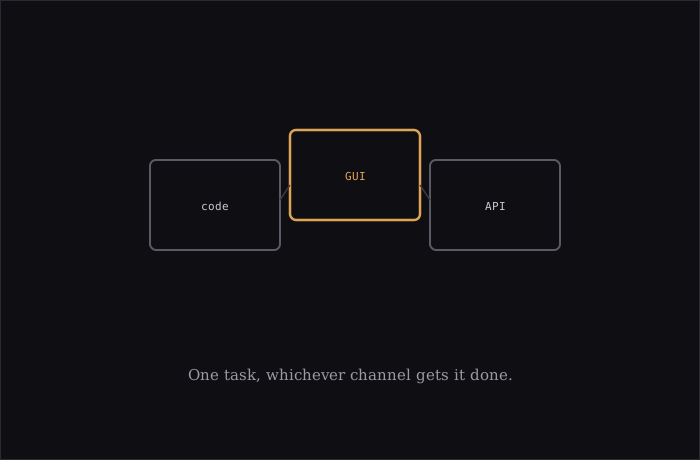
Where the two are converging rather than staying separate: Cua’s own framing, “an agent moving between code, APIs, and graphical interfaces within the same task,” describes exactly this blur — write a script, then click through a dialog the script can’t reach, then verify the result in a spreadsheet, all as one continuous piece of work. The practical trend isn’t “coding agents” and “computer-use agents” staying two separate categories forever; it’s the same agent increasingly reaching for whichever channel — text or screen — actually gets the current step done.